
The library: what's actually in it
HiTV's catalog centers on Asian drama: Korean series from romance to thriller, Chinese costume and modern dramas, Japanese and Thai titles, plus movies and variety shows. Episodes of currently airing dramas arrive shortly after broadcast, and finished series are available complete, which makes it dangerous for weekend binges.
Content splits into free and VIP tiers inside the app. As a guest you can watch two full episodes of anything, and a free registered account opens the standard library. VIP titles are marked with a badge on their poster.
Subtitles in seven languages
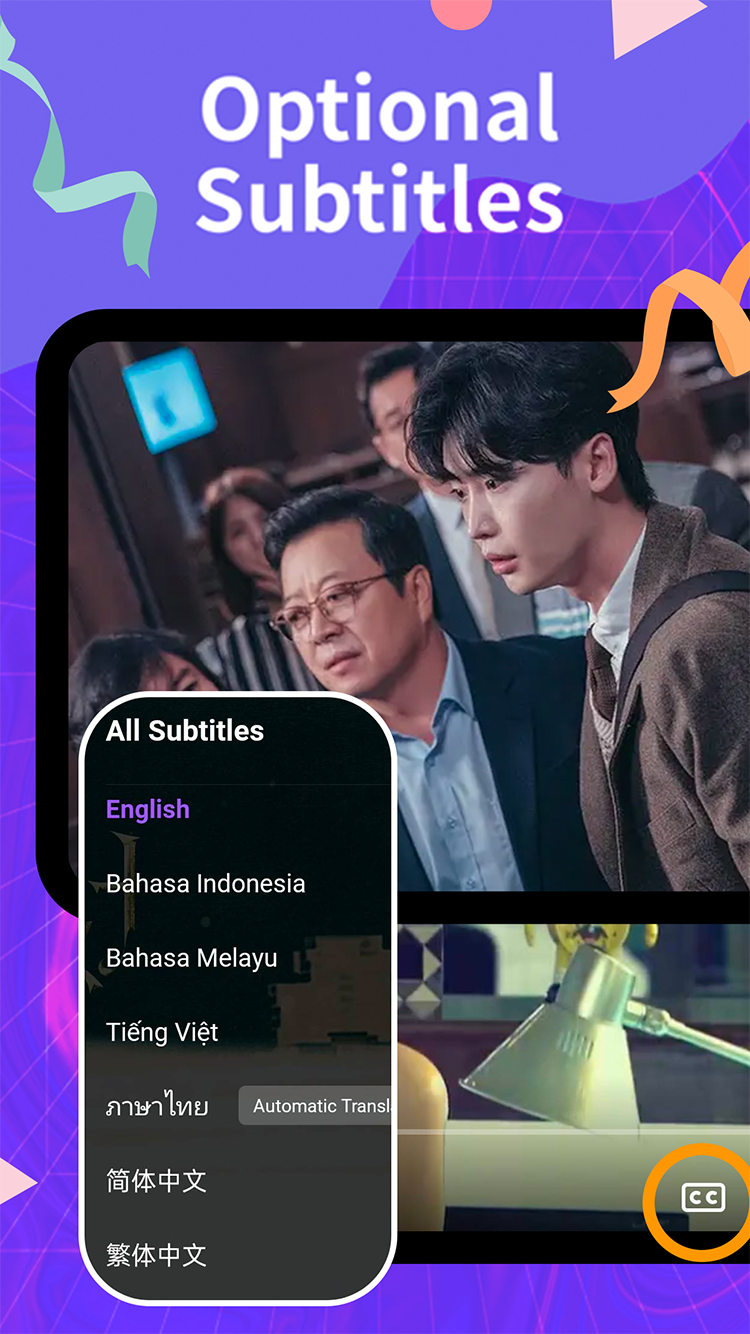
Tap the CC icon in the player and pick from English, Bahasa Indonesia, Bahasa Melayu, Tiếng Việt, Thai, and Simplified or Traditional Chinese. The main languages are edited by people, which shows in the details: wordplay gets adapted instead of translated literally, and character names stay consistent across a whole series.
Many titles also offer an automatic translation option that extends coverage to more languages. It's machine output, so treat it as a fallback rather than the main event.
Player controls worth knowing
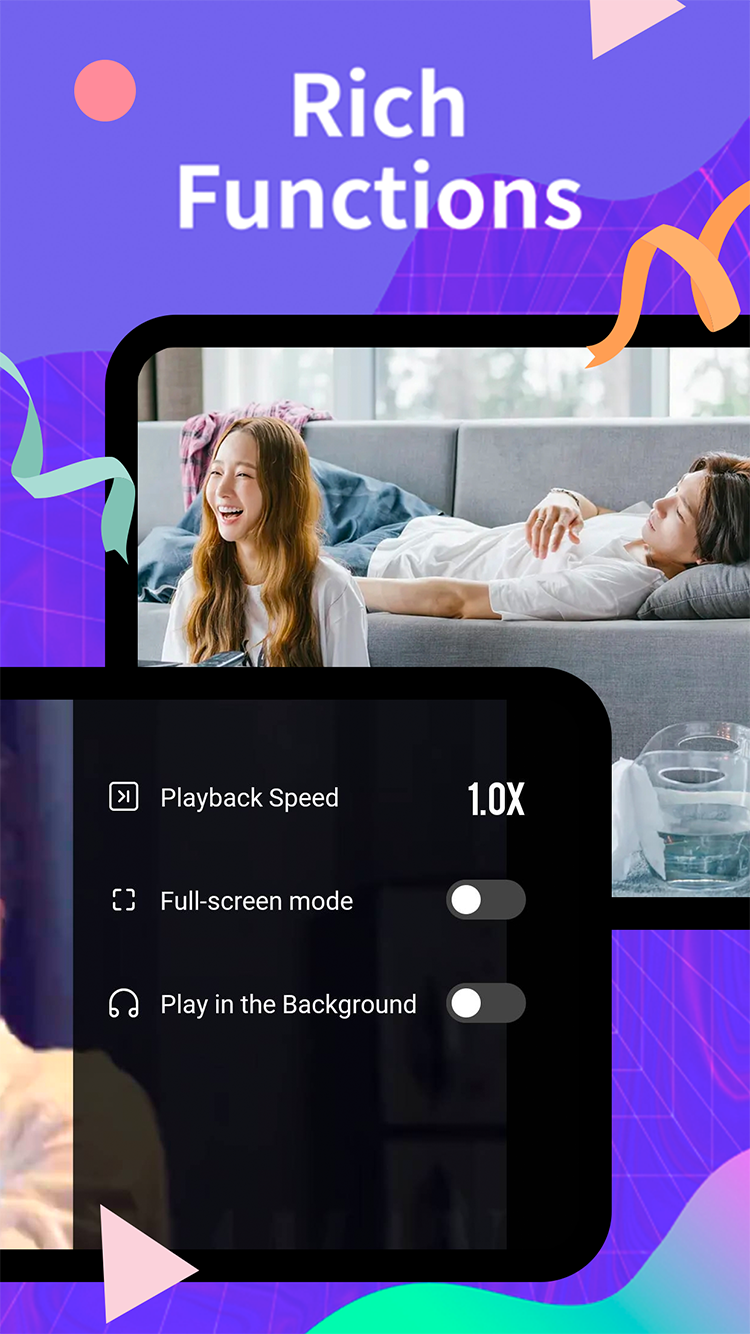
Playback speed
From 0.5x up to 2x. Once you've watched a slow-burn historical drama at 1.25x you don't go back. The setting persists between episodes of the same series.
Background play
Flip this on and audio continues when you switch apps or lock your phone. Variety shows and rewatches work surprisingly well as podcasts.
Full-screen and gestures
Swipe vertically on the left side for brightness, right side for volume, and horizontally to scrub. Double-tap the edges to skip ten seconds.
Offline downloads
Signed-in members can save episodes for offline viewing from the download icon on any episode page. Quality is selectable at download time; the middle option balances size against clarity well for phone screens. A few titles are streaming-only for licensing reasons, in which case the icon simply doesn't appear.
My List and episode reminders
The bookmark icon adds a series to My List. Beyond being a watchlist, it drives notifications: when a new episode of a listed, currently airing show goes live, the app tells you. Following five airing dramas at once stops being a scheduling exercise.
Search and discovery
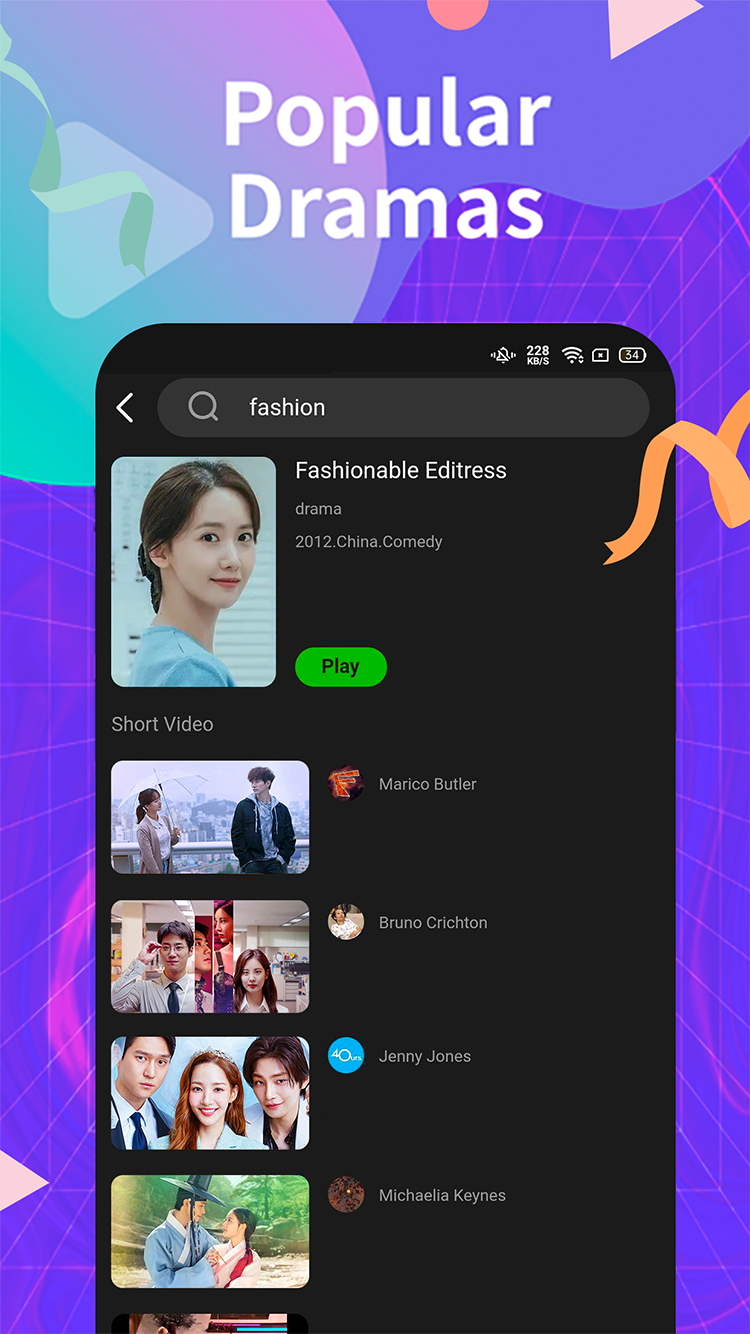
Search matches titles, actors, and genres, and mixes in short clips related to your query, which is a decent way to sample a drama before committing to episode one. The home tabs sort the catalog by region and genre, and the ranking pages surface what other viewers are watching this week.
Cross-platform sync
Sign in with the same account on your phone, PC, and TV, and your watch position follows you. Start episode 7 on the bus, and your TV offers to resume it from the same minute. Platforms and install steps are covered in the installation guide; TV owners want the Fire TV, Android TV, or Google TV version.
Free trial, membership, and VIP
| Tier | Cost | What you get |
|---|---|---|
| Guest | Nothing, no account | Two free episodes of any series to test streams and subtitles |
| Member | Free registration | Full standard library, My List, reminders, offline downloads |
| VIP | Paid, in-app | VIP-badged exclusives and early access on some titles |
Registration is quick: an email address or a social login, no payment details. VIP is optional and clearly separated; the free tier is a complete experience, not a teaser.